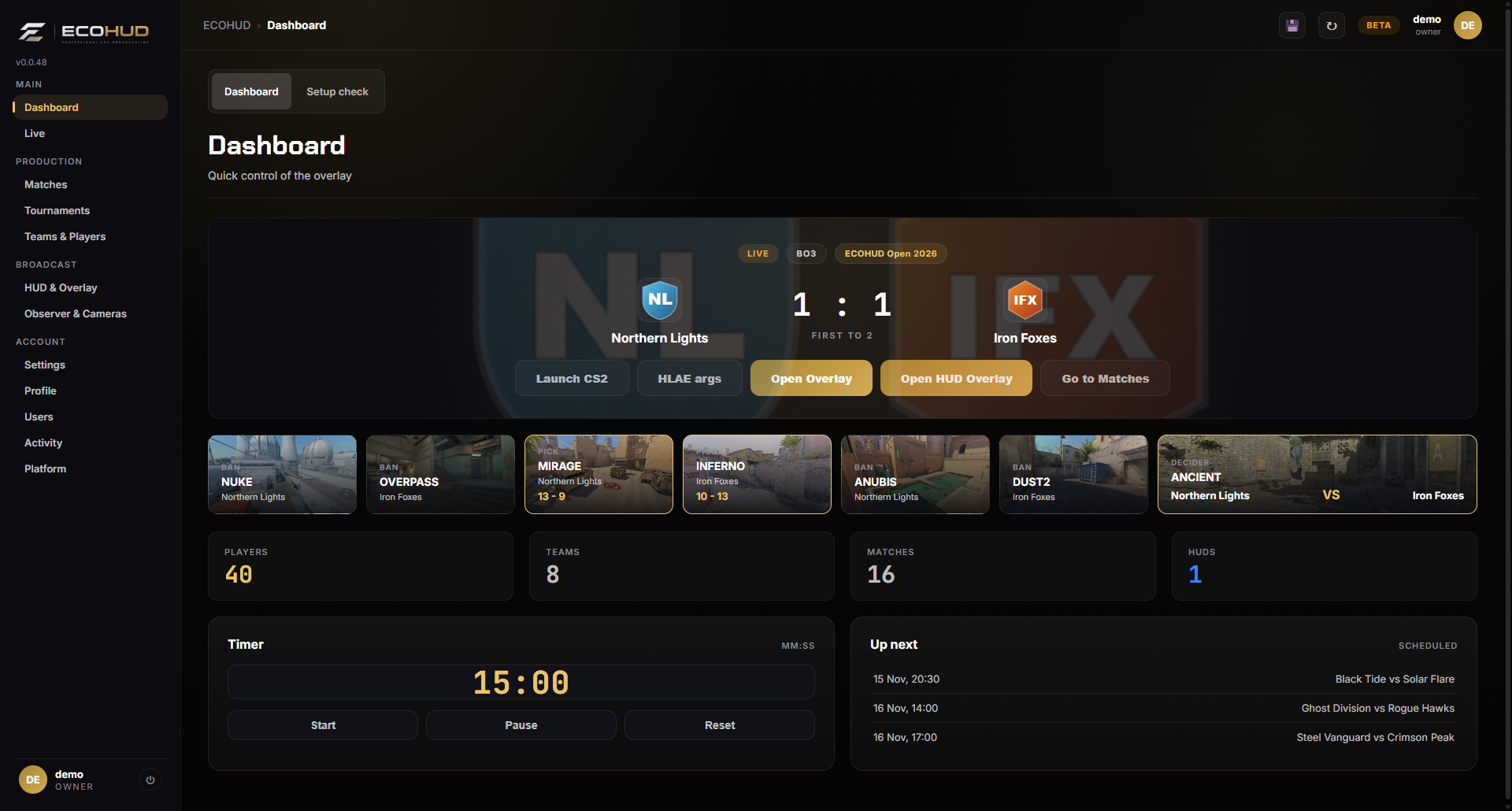
Your broadcast at a glance.
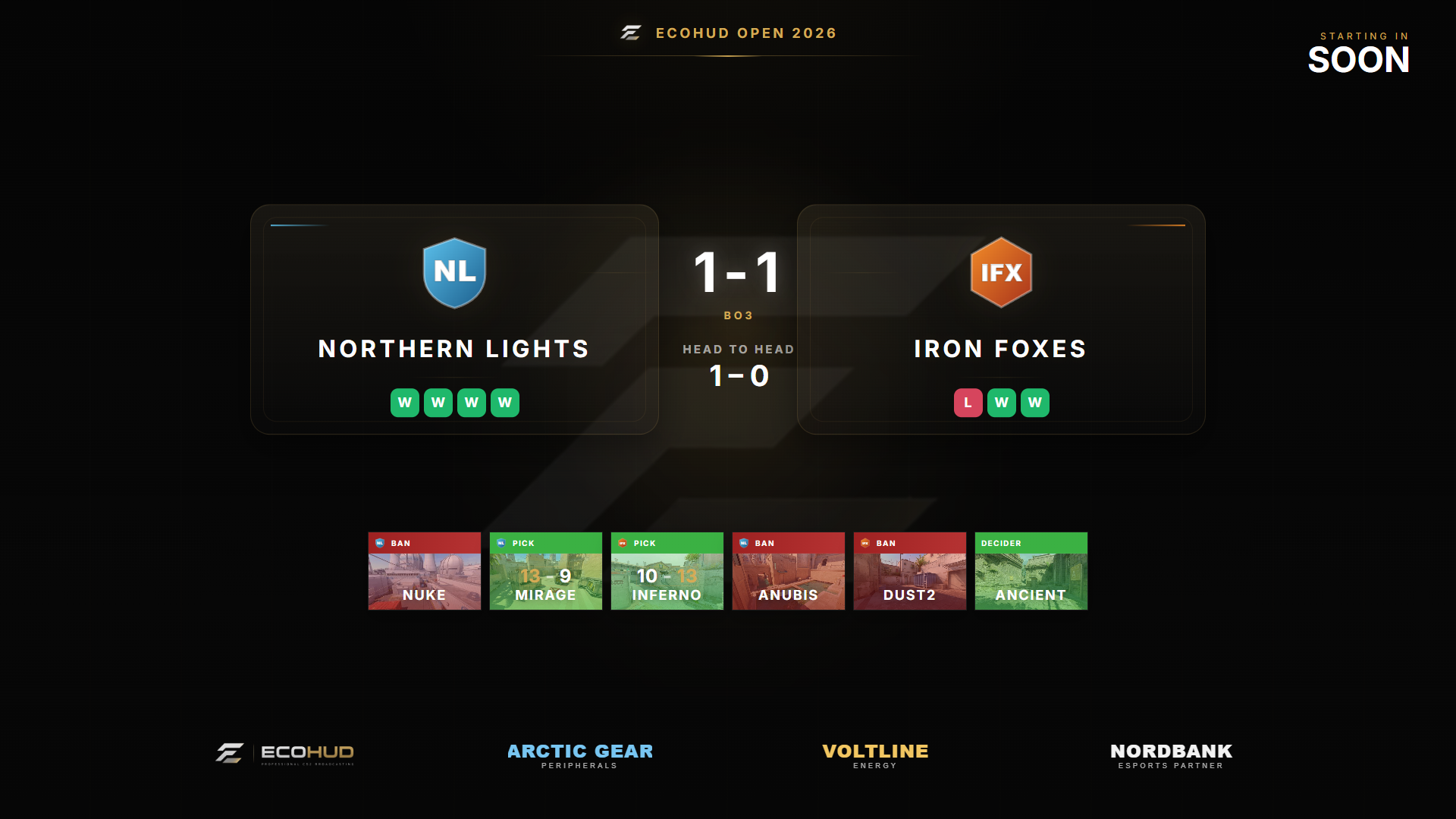
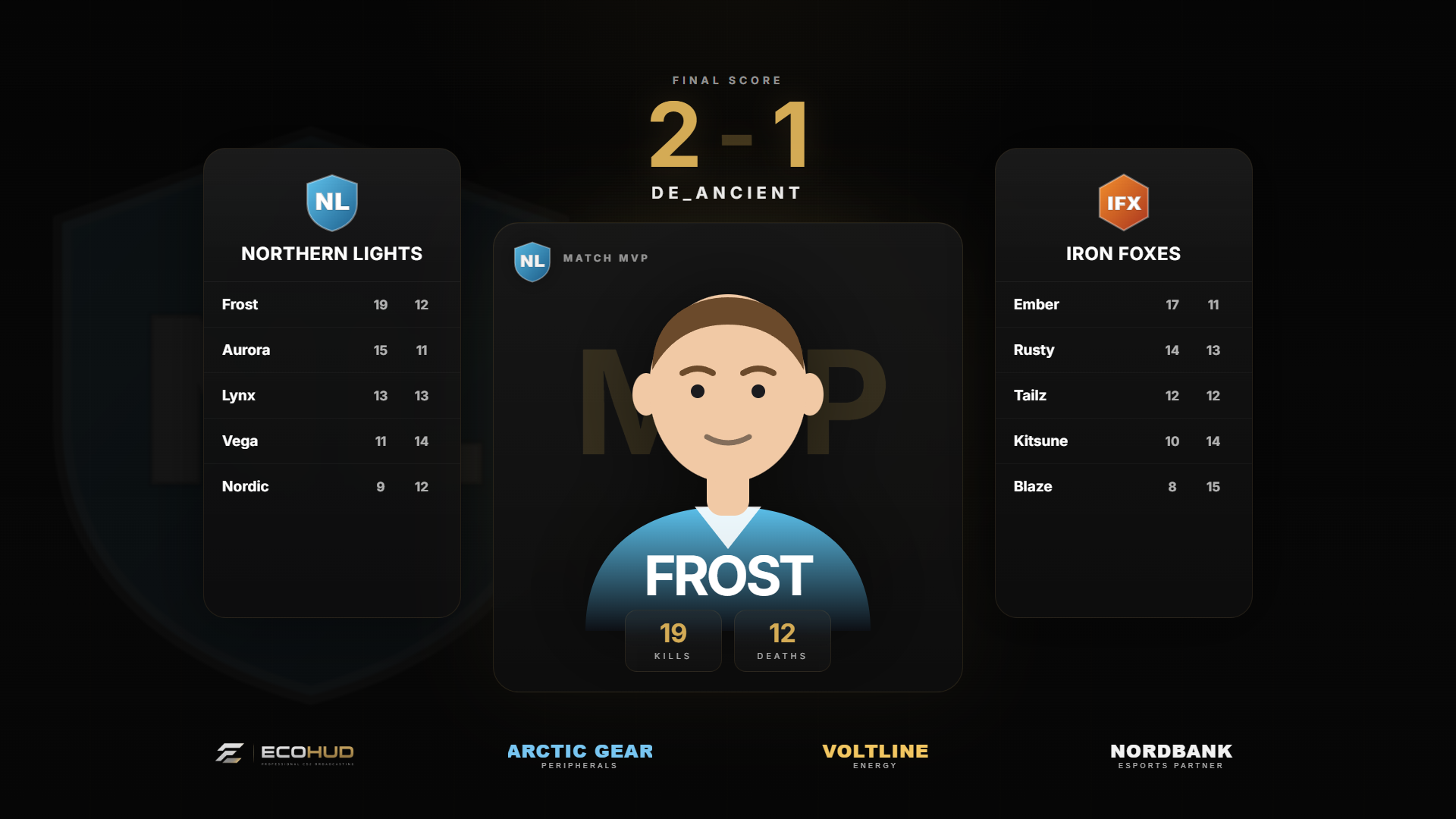
The active match with logos, tournament, format and series score, the map veto as picture cards, quick launch of CS2 and HLAE, one-click access to the overlay and HUD, plus a built-in timer and your next scheduled matches.
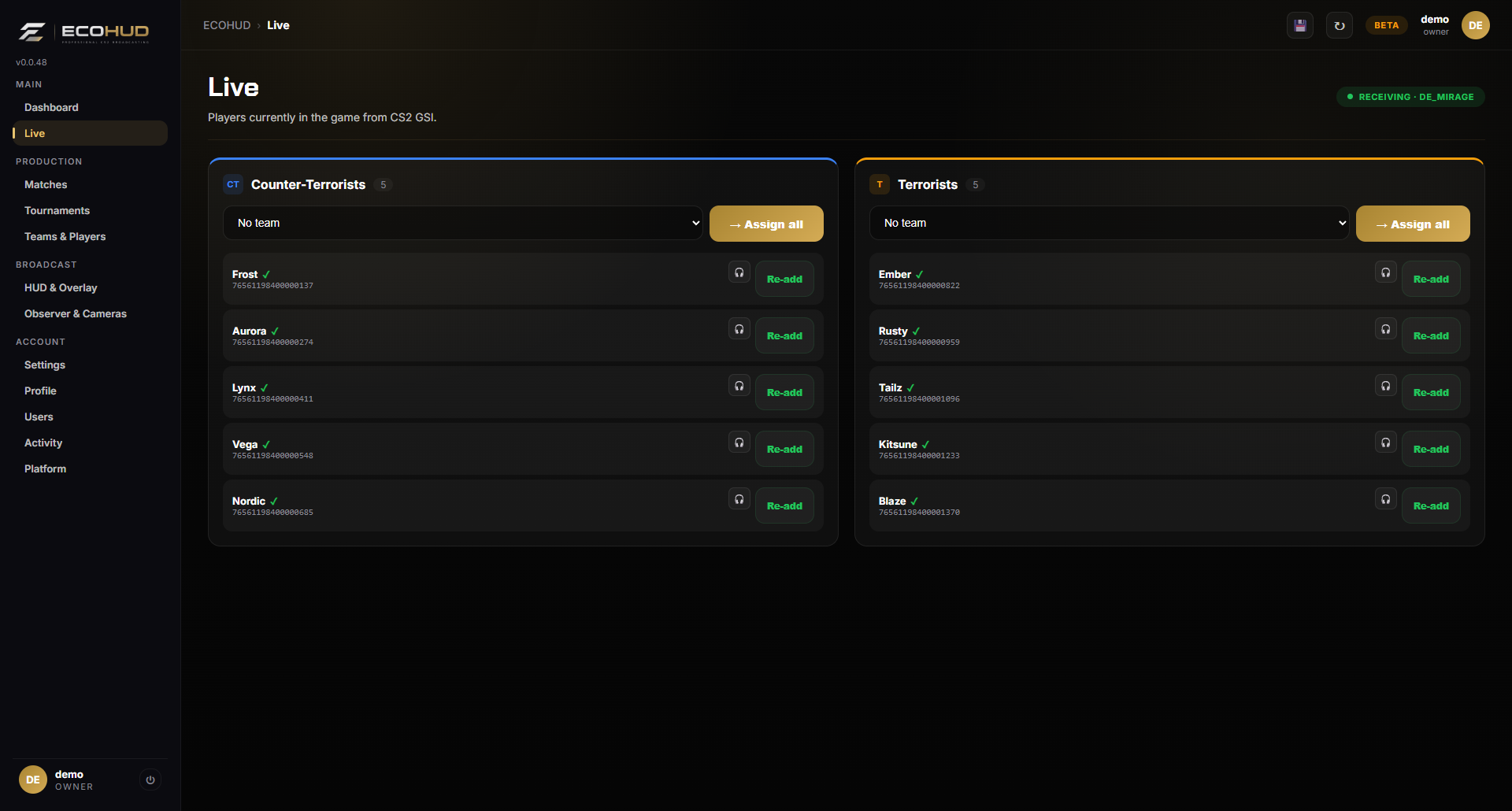
Know what CS2 is sending.
See every player detected through Game State Integration, grouped into Counter-Terrorists and Terrorists. Assign a whole side to a prepared team in one click, re-add players who dropped, and keep coaches out of the player feed.
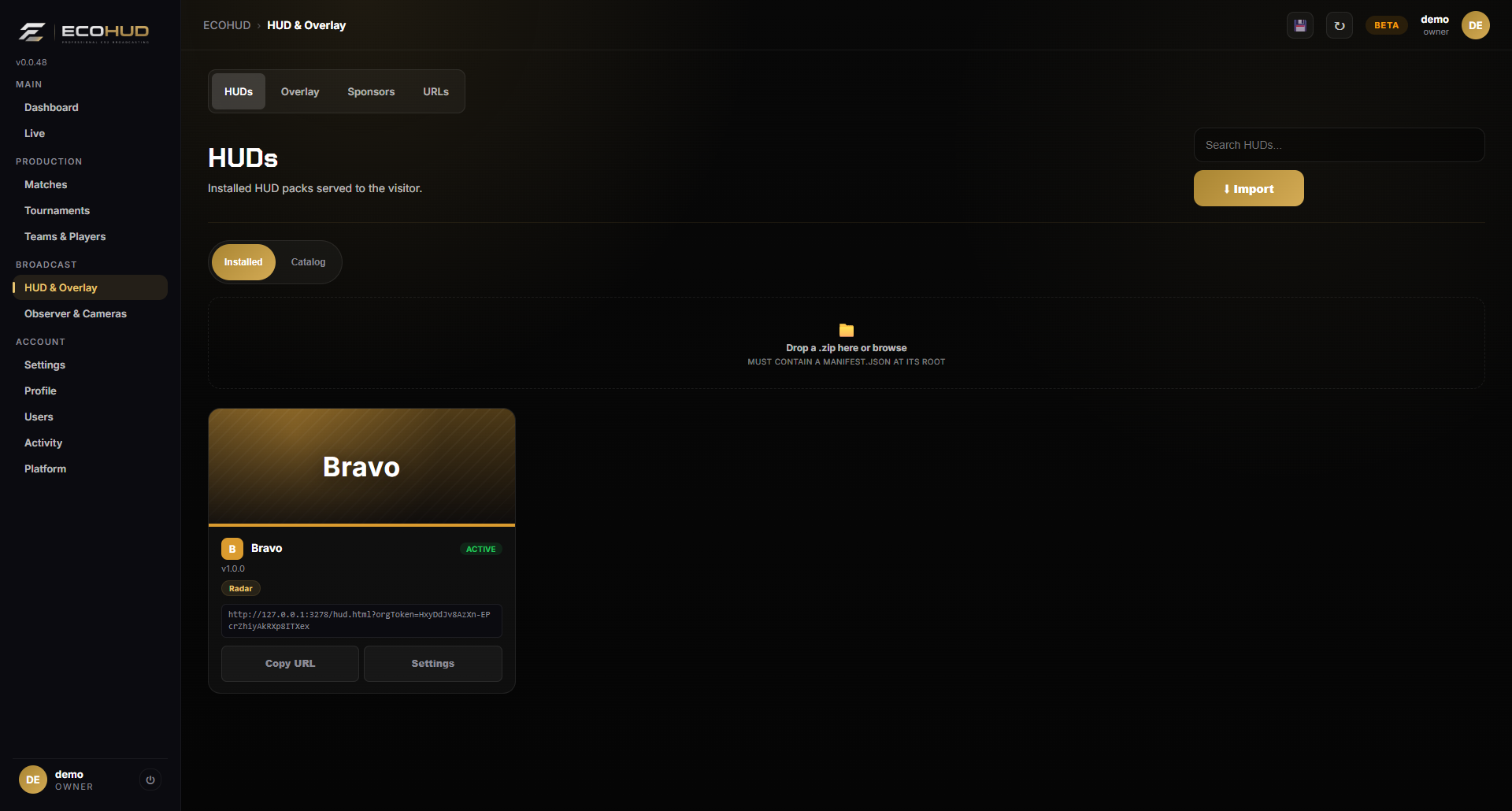
Bravo built in — bring your own if you like.
Bravo is the default HUD and needs no setup. Import other HUD packs as .zip files, switch the active HUD, and copy its browser-source URL straight into OBS.
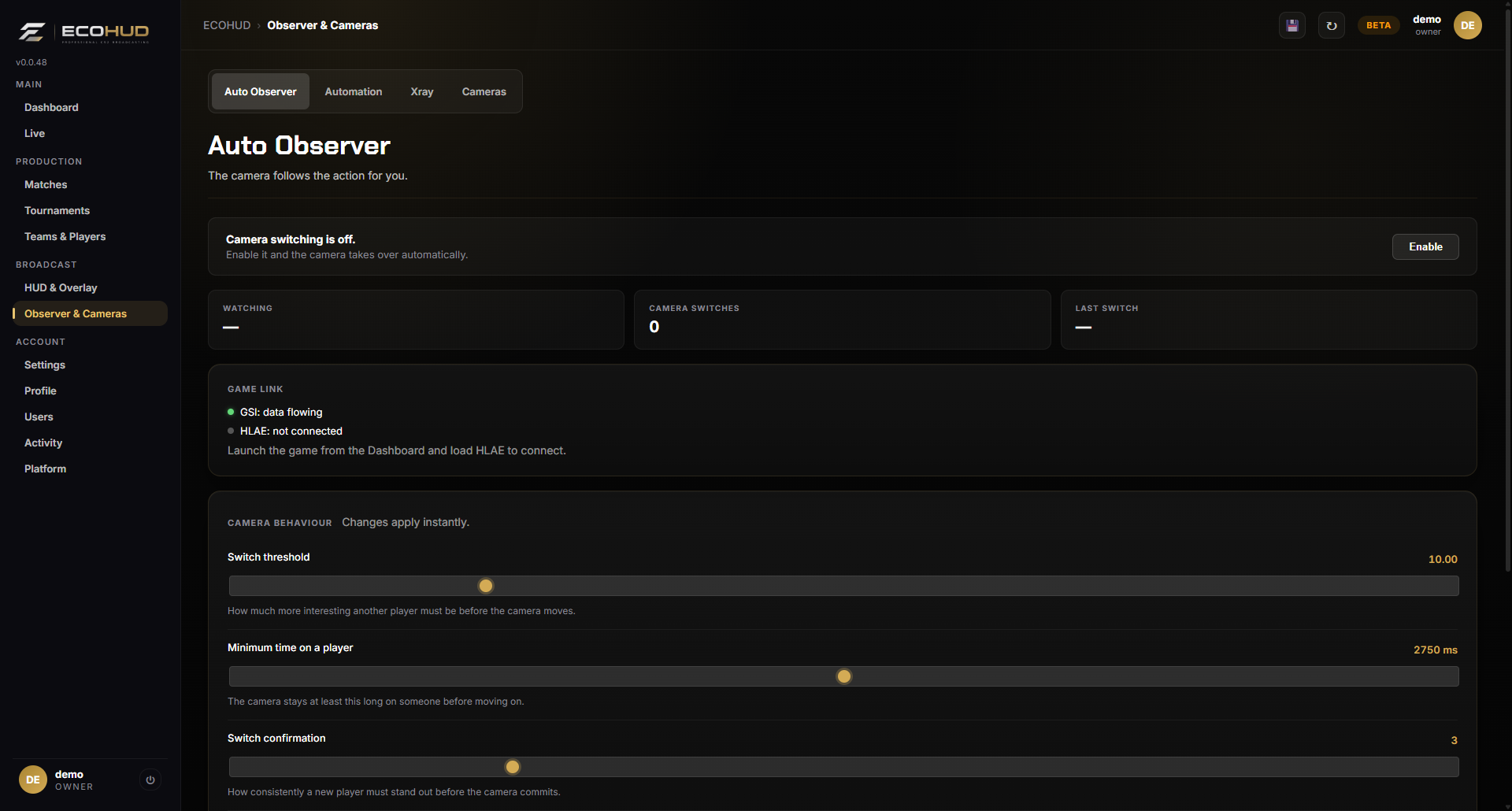
Camera switching, handled.
Turn on automatic camera switching and tune it: how eagerly the camera moves, how long it stays on a player and how much confirmation it needs before it cuts.
Slow B-roll while the game waits.
During timeouts, freezetime and after bomb rounds ECOHUD flies a calm camera around the players, with a soft fade between shots. It is generated from live player positions, so it works on every map without recording or loading camera paths -- and if you have good fixed shots for a map, upload your own HLAE camera paths and ECOHUD plays those instead.
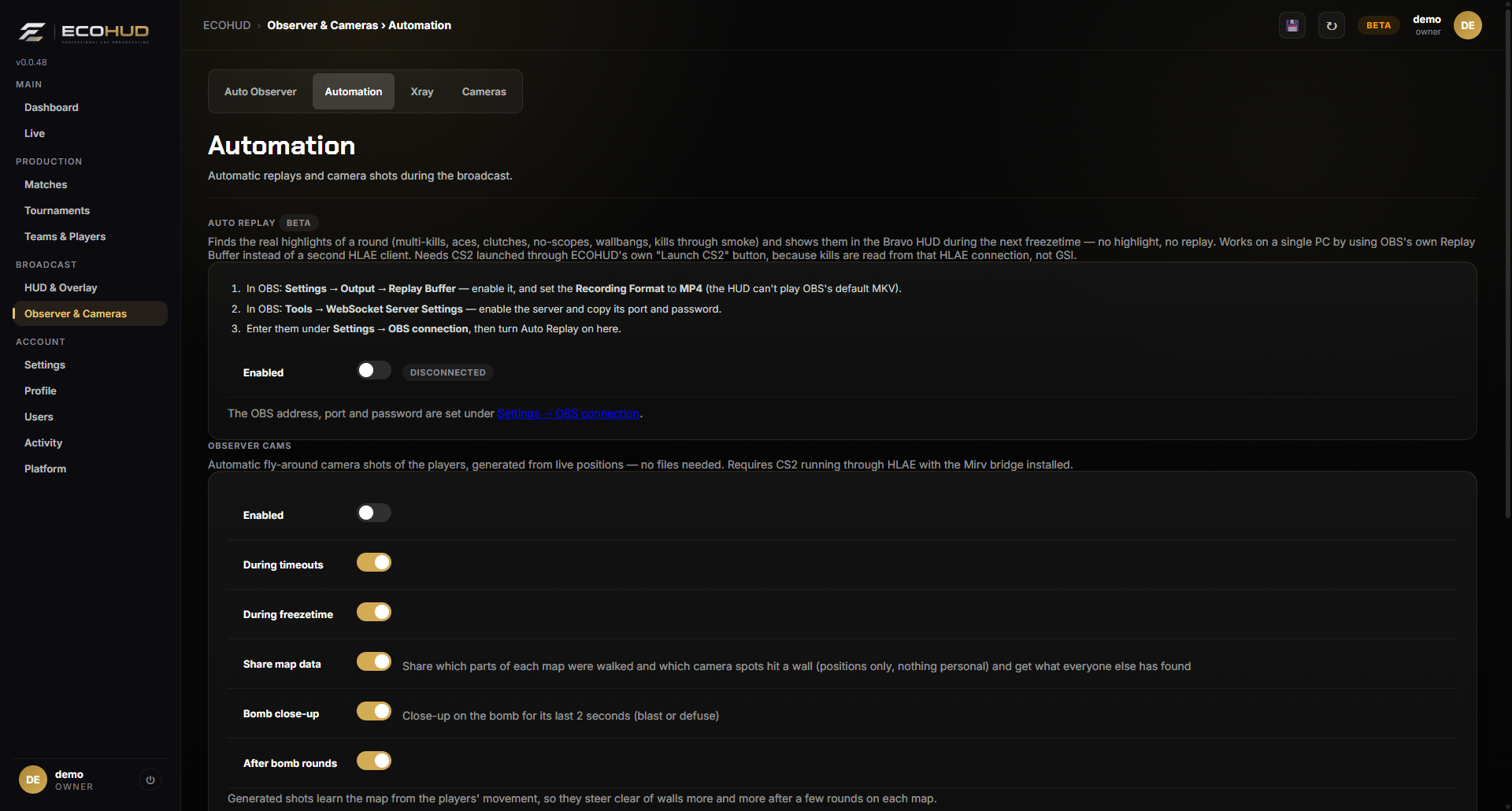
Replays only when something happened.
ECOHUD finds the real highlights of a round — multi-kills, aces, clutches, no-scopes, wallbangs and kills through smoke — and plays them in the next freezetime with a caption such as 3K or CLUTCH 1v3. No highlight, no replay. Uses OBS's Replay Buffer on a single PC.
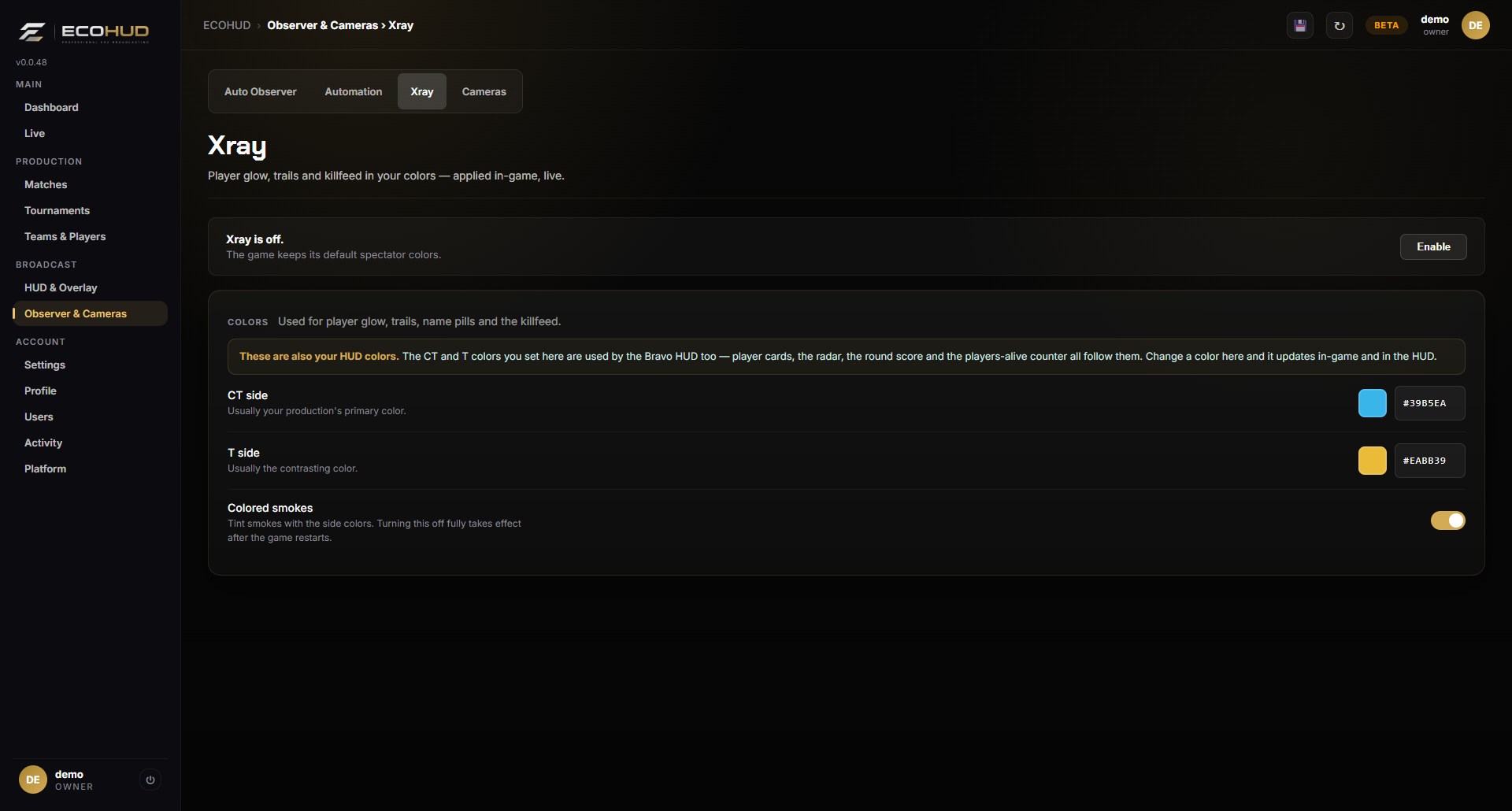
Your colors, in the game and on the HUD.
Choose a CT color and a T color once. Player glow, trails, name pills and the killfeed use them in-game, and Bravo uses the same colors for player cards, radar dots, the alive counter and the scoreboard. Colored smokes are optional.
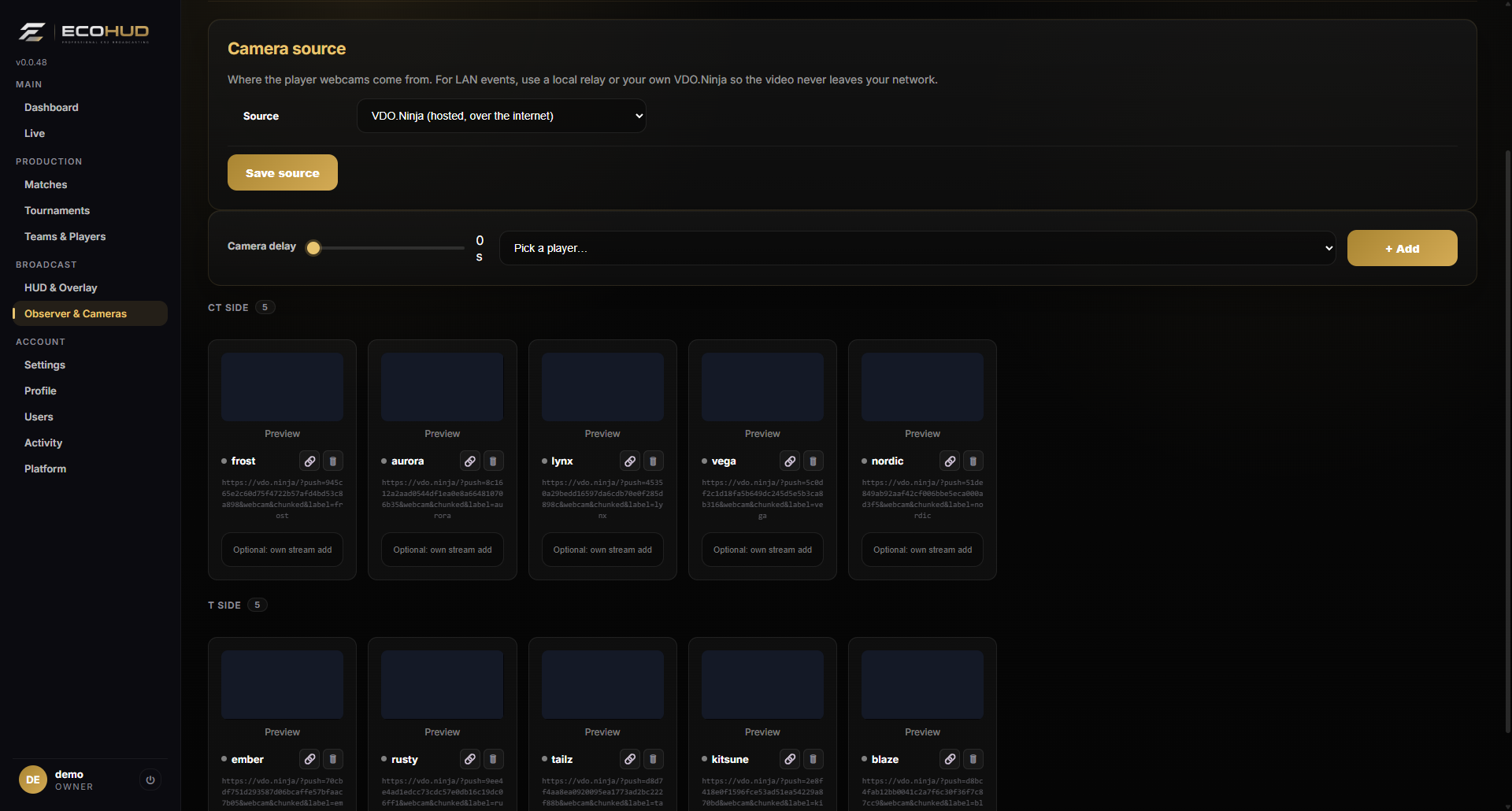
Player webcams inside the broadcast.
Create a camera session for the active match and ECOHUD generates one link per player. Send the link, the player opens it, and their webcam is shown in the HUD's observed-player card whenever they are on screen. Set a delay to keep it in sync, copy all links at once and end the session after the show. For LAN events, switch the source to your own VDO.Ninja or a local relay (RTMP, SRT or WebRTC from OBS) so the video never leaves your network.
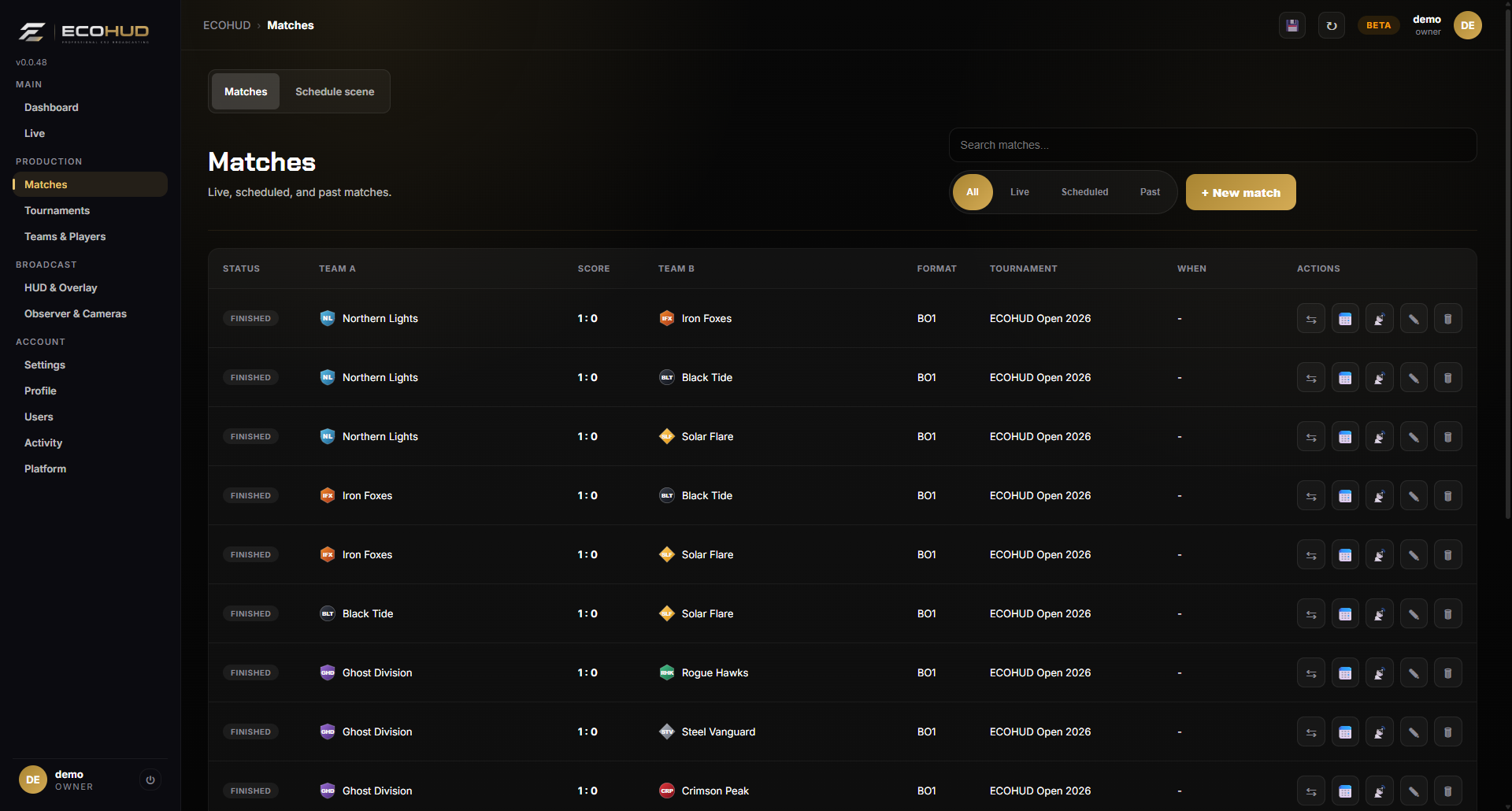
Live, scheduled and past matches.
One list for status, teams, series score, format, tournament and start time. Search and filter, set a match live, swap sides, mark it finished or edit it.
The veto, scored map by map.
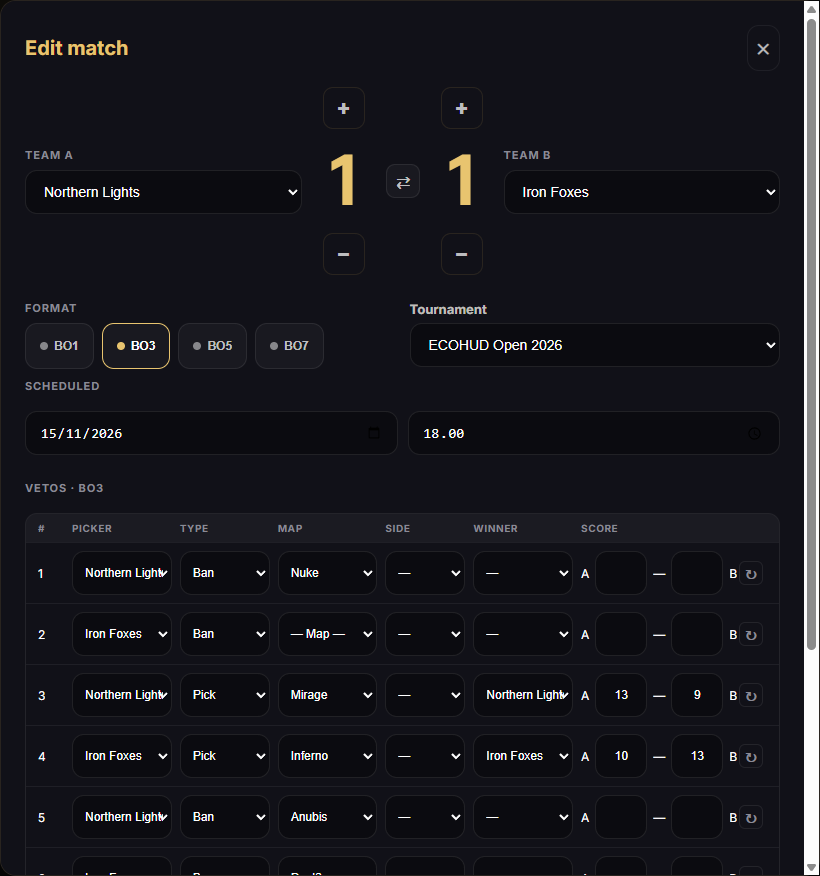
Pick BO1, BO3, BO5 or BO7, set the series score with plus and minus buttons, and fill in each veto step: who banned or picked, the map, the side, the winner and the map score. The overlay veto row and the Bravo map strip fill in as you go.
Organize the event around the broadcast.
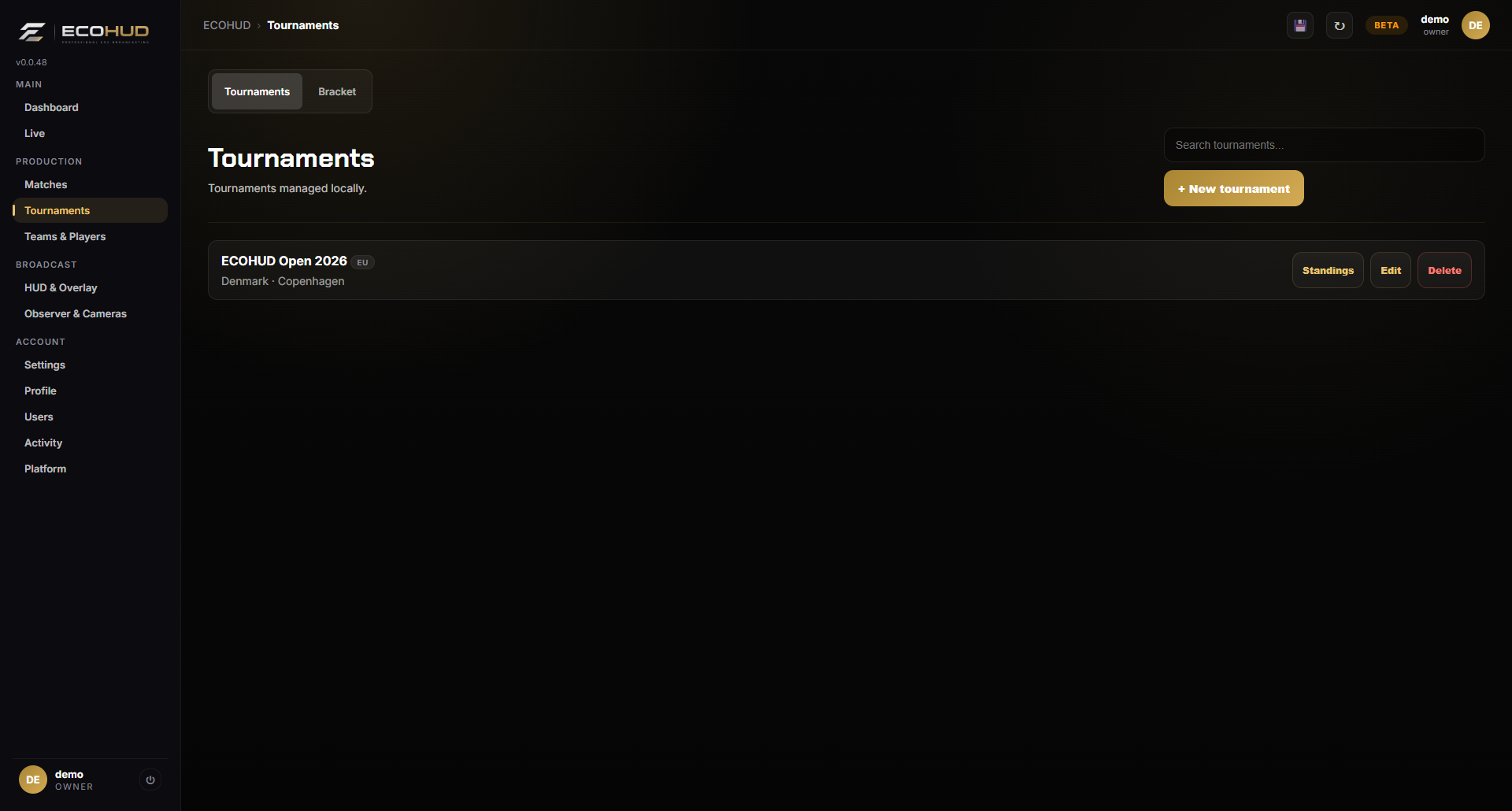
Keep tournaments with logos, dates, venue, organizer, prize pool, colors, participating teams and an external standings link. The tournament name is shown on the HUD and overlay.
All the context in one form.
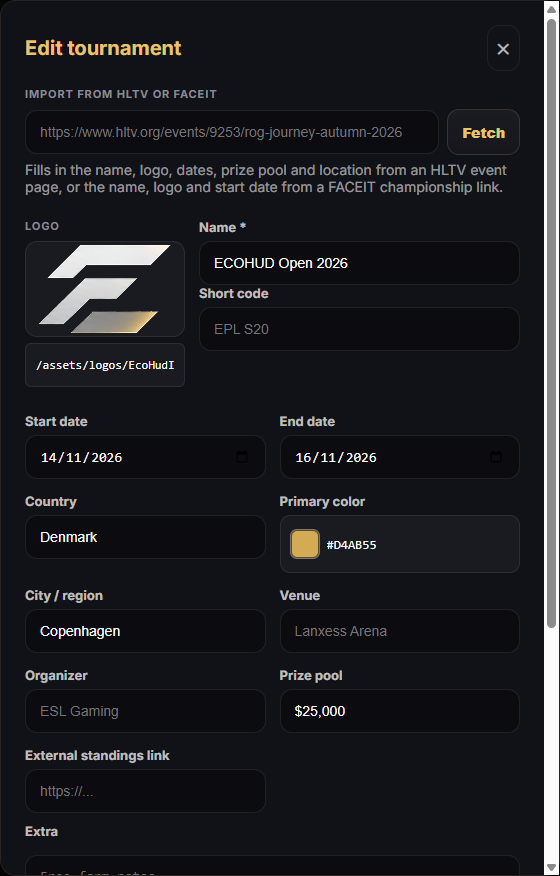
Add country, city, venue and organizer, set a primary color and attach the teams that take part.
Build them or generate them.
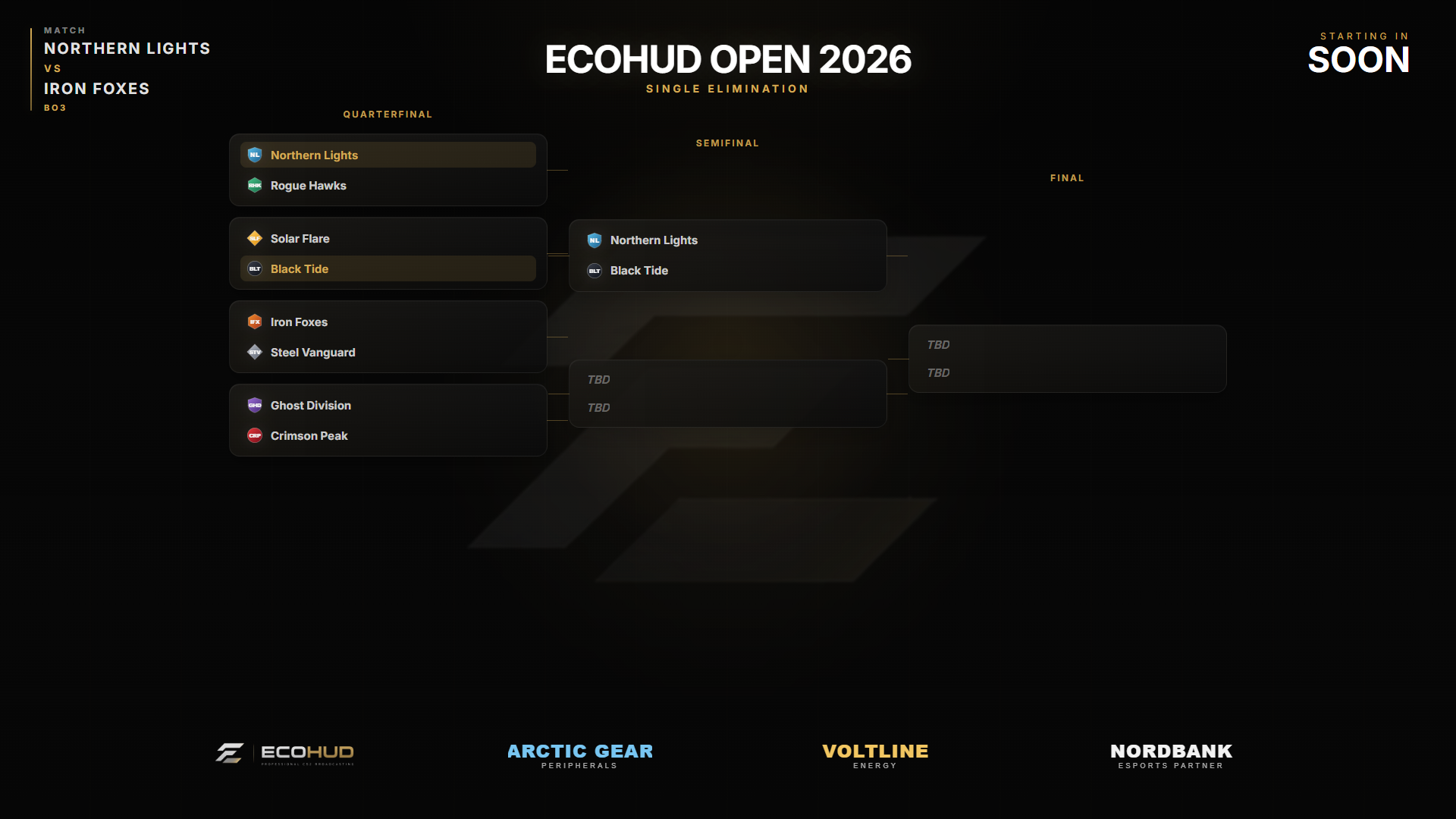
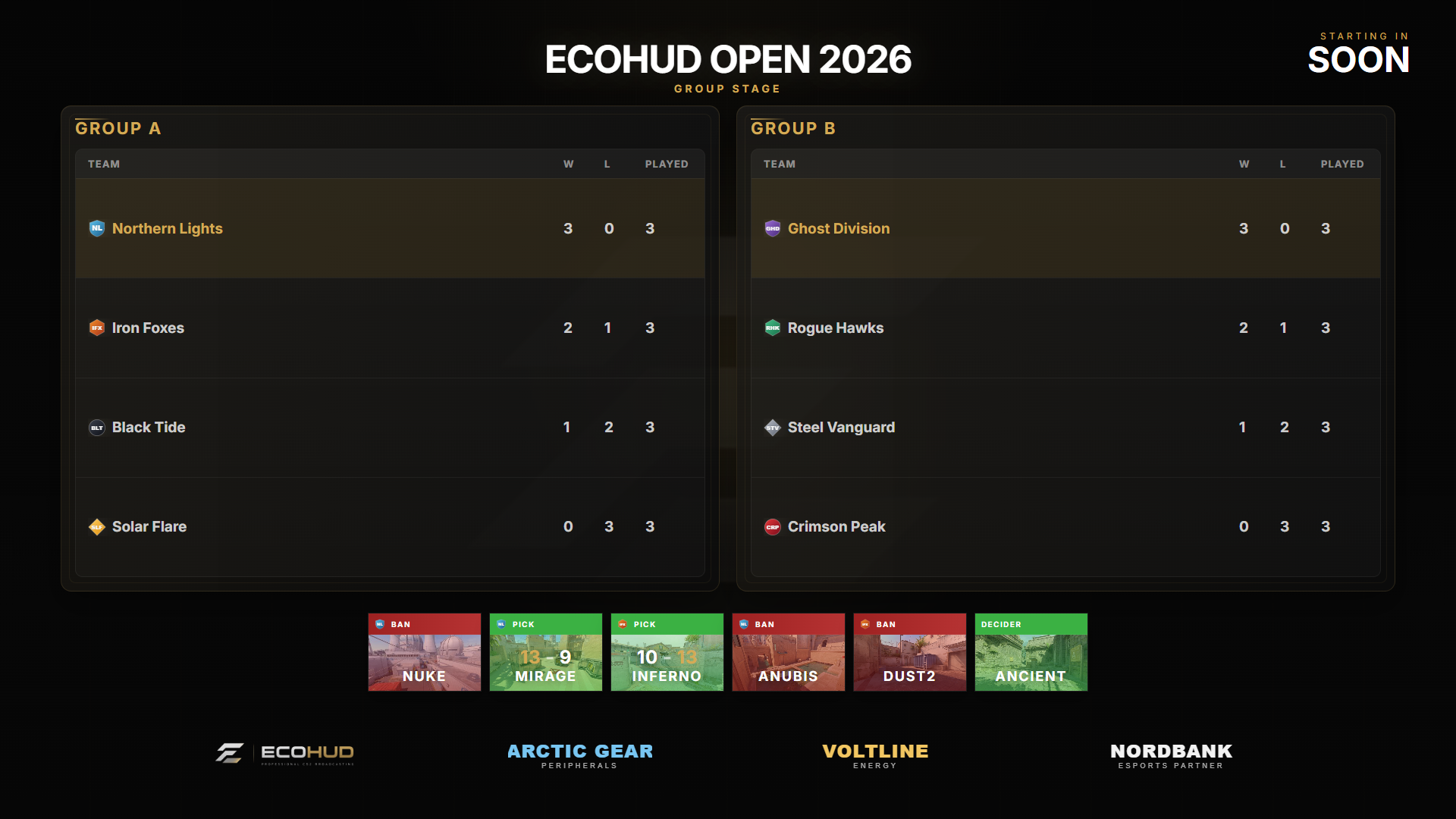
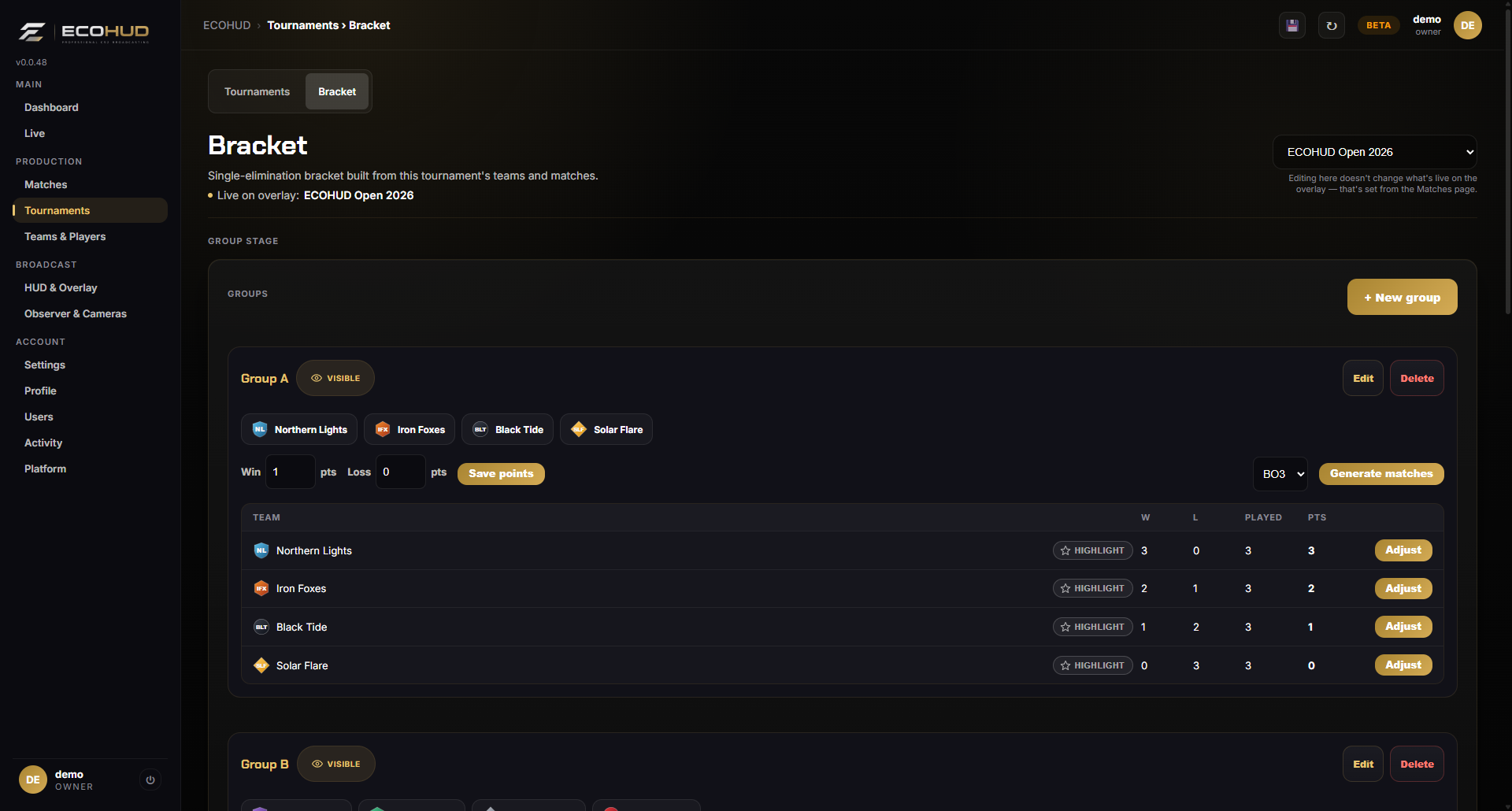
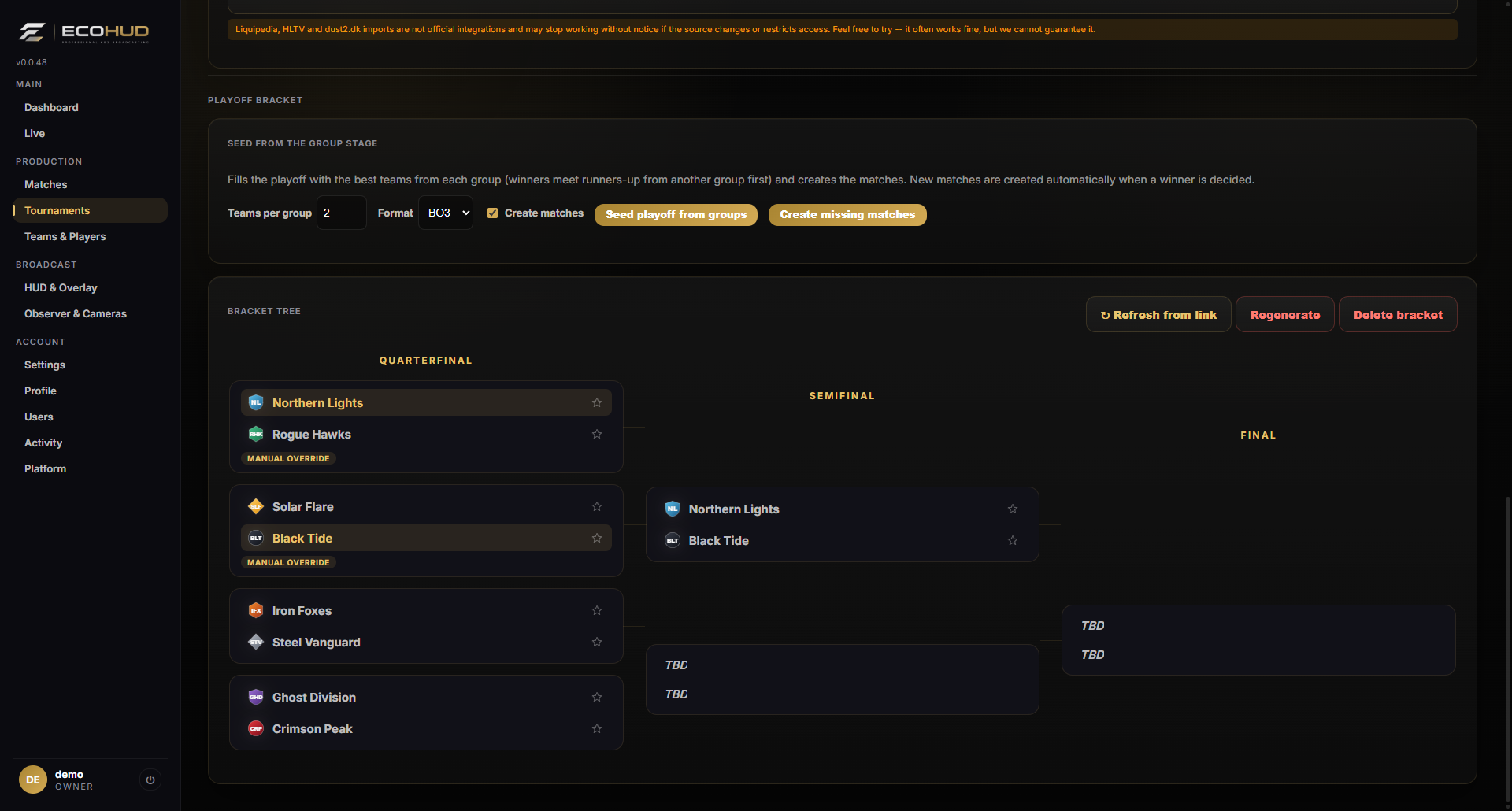
Create group stages with standings and highlight your favorites. Paste a Liquipedia tournament page — or a liga.dust2.dk standings page — and ECOHUD fills in the groups and playoff bracket for you.
Linked to your real matches.
Bracket nodes can be linked to matches so the score and status follow what happens on stage. Regenerate or delete the bracket whenever the format changes.
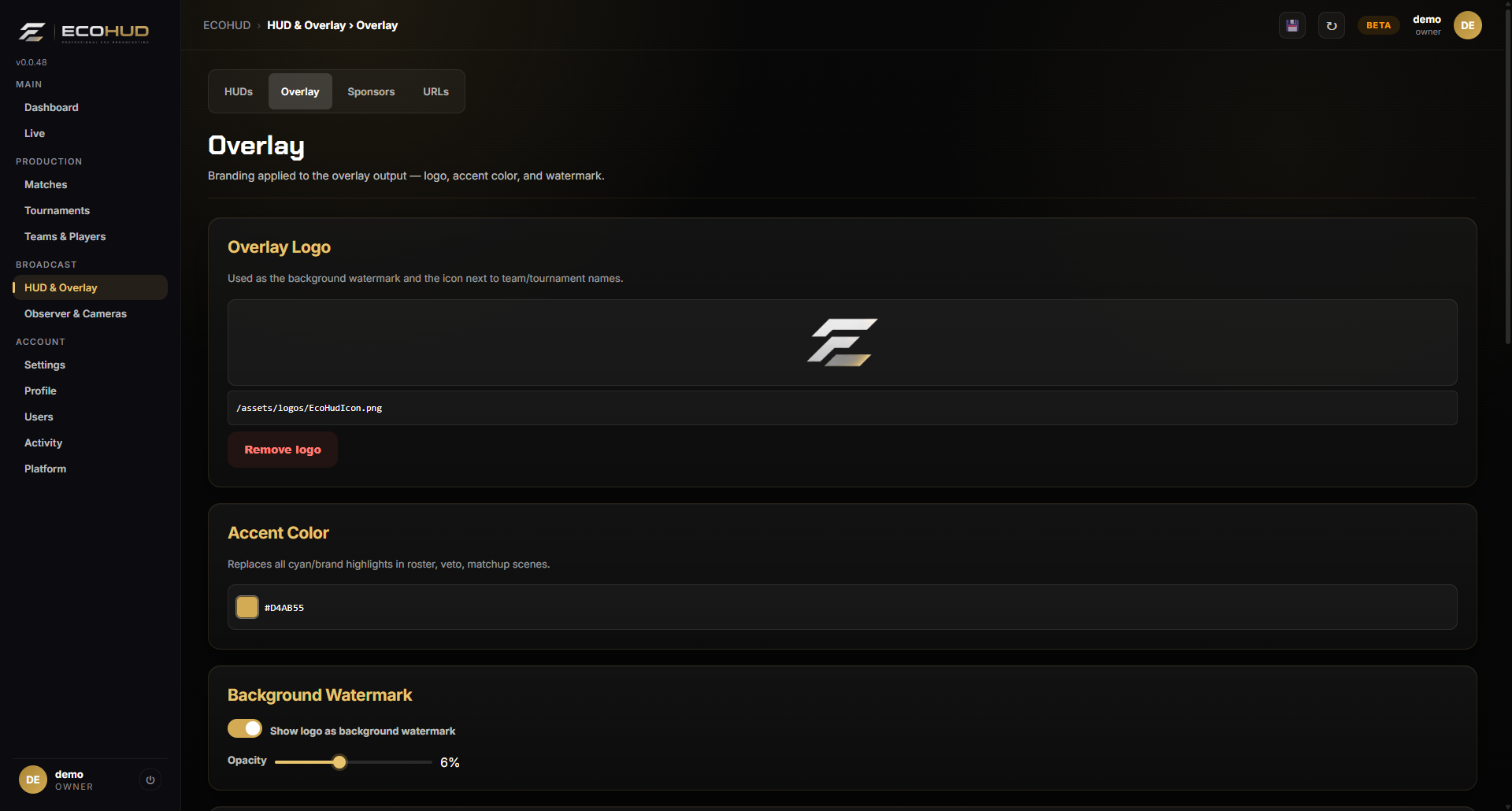
Make the broadcast yours.
Add your logo, choose an accent color and set the background watermark. Leave the accent empty and scenes use clean white.
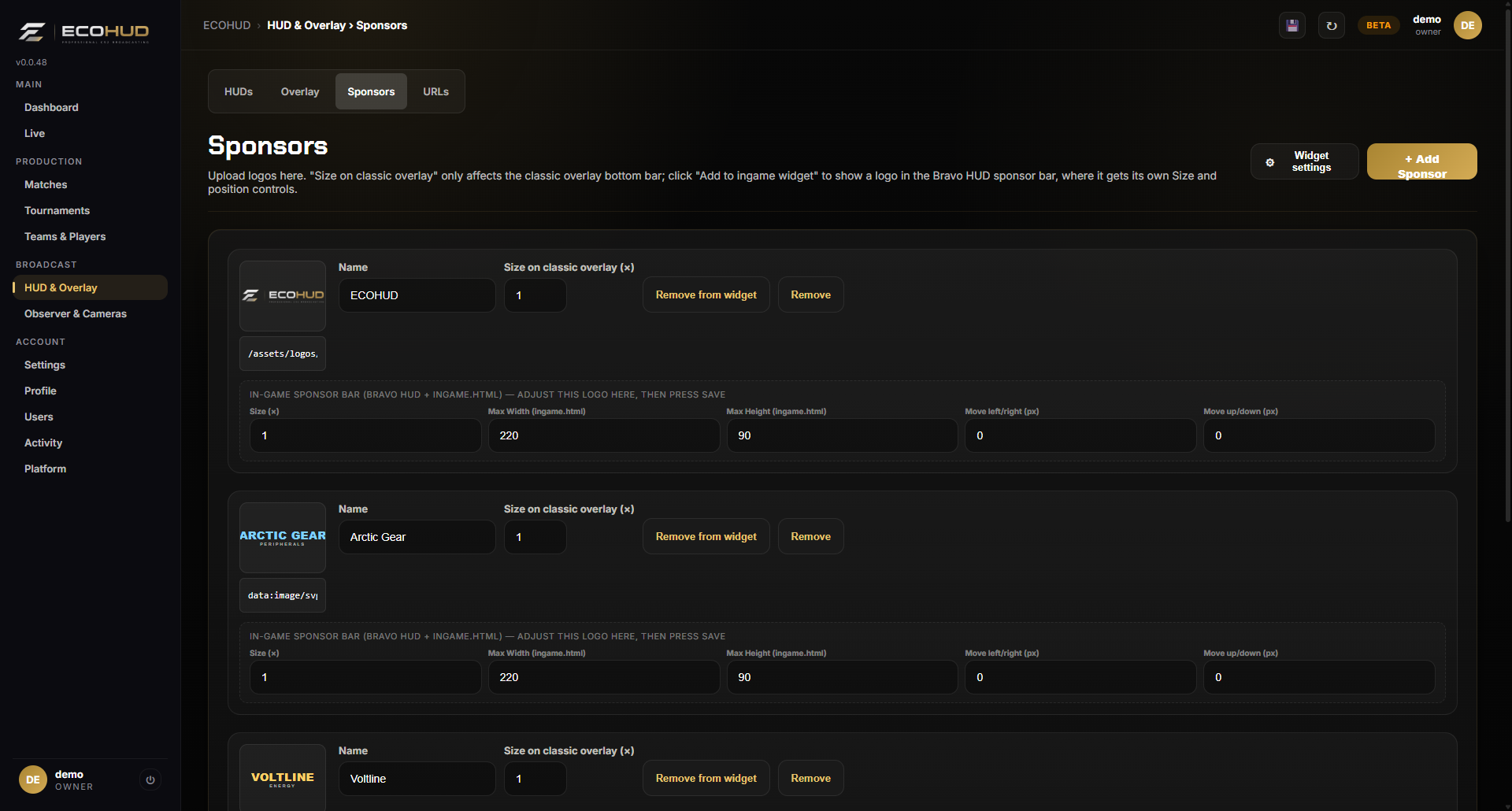
Keep partner exposure in the same workflow.
Add sponsor logos, decide which appear in the in-game widget, and tune scale, size and offsets. Bravo shows them in a rotating partner card.
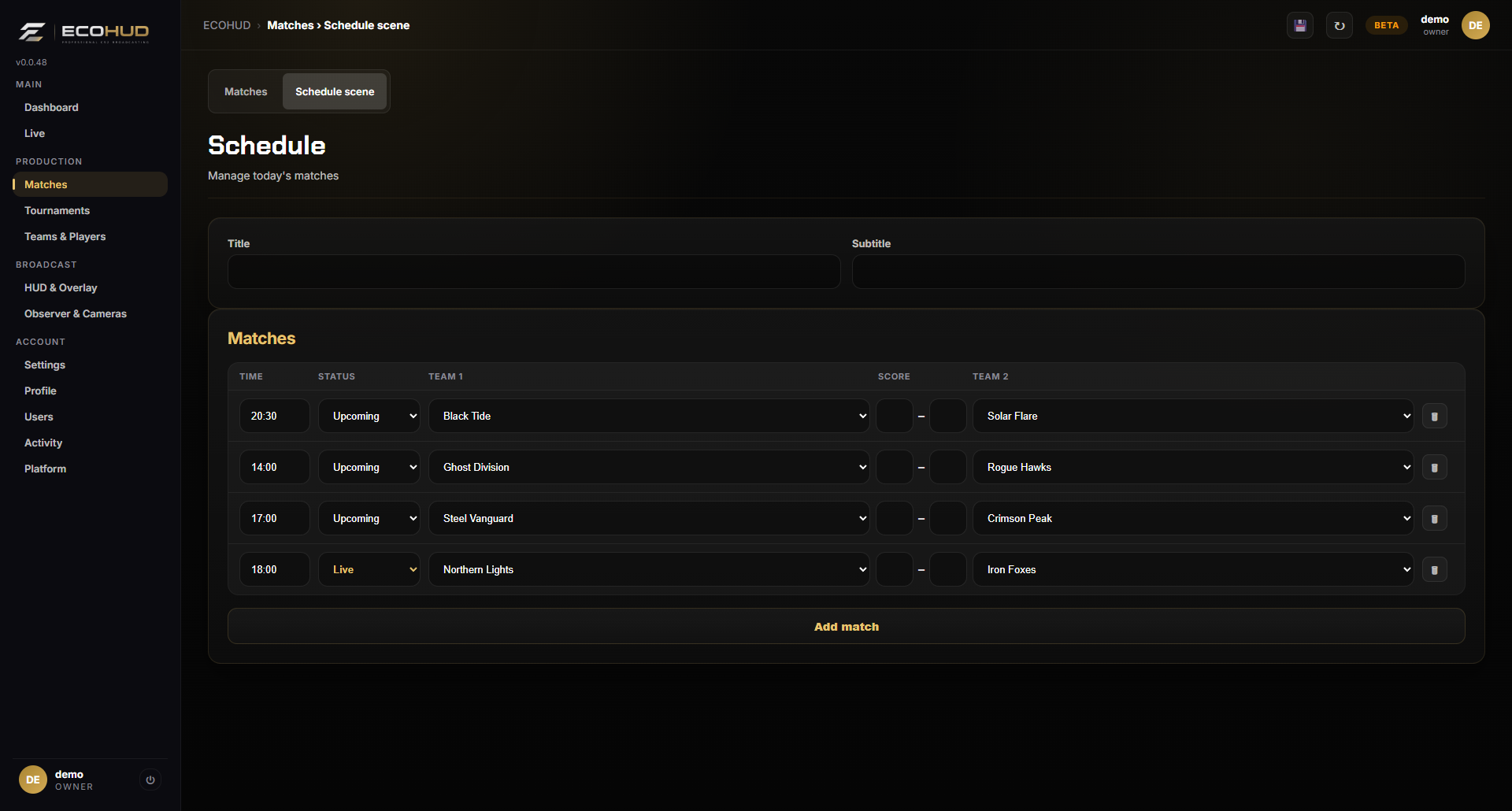
A running order for the day.
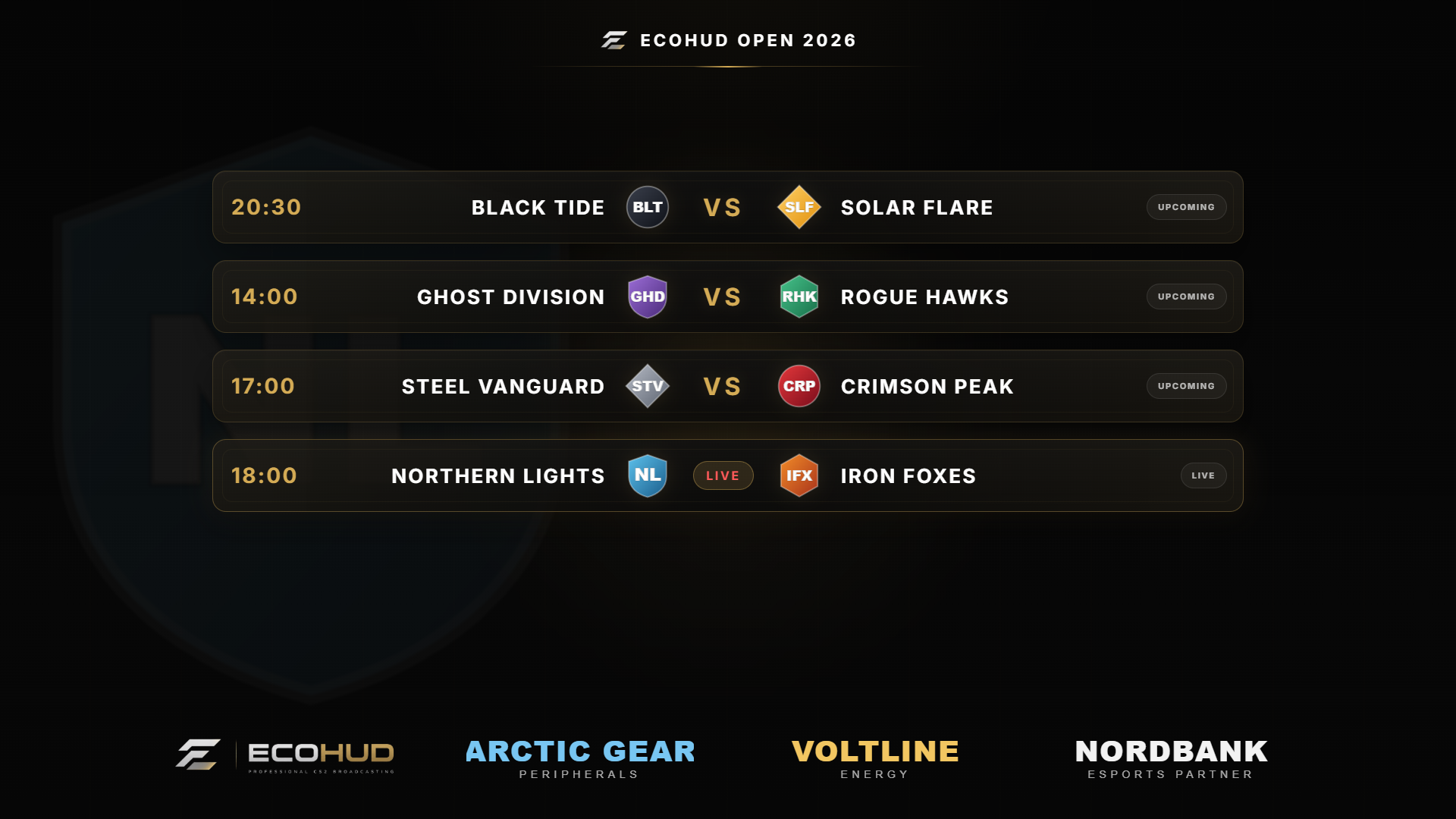
Add the matches of the day with times and status and show them in the branded schedule scene. It lives as a tab on the Matches page.
Rosters ready before match time.
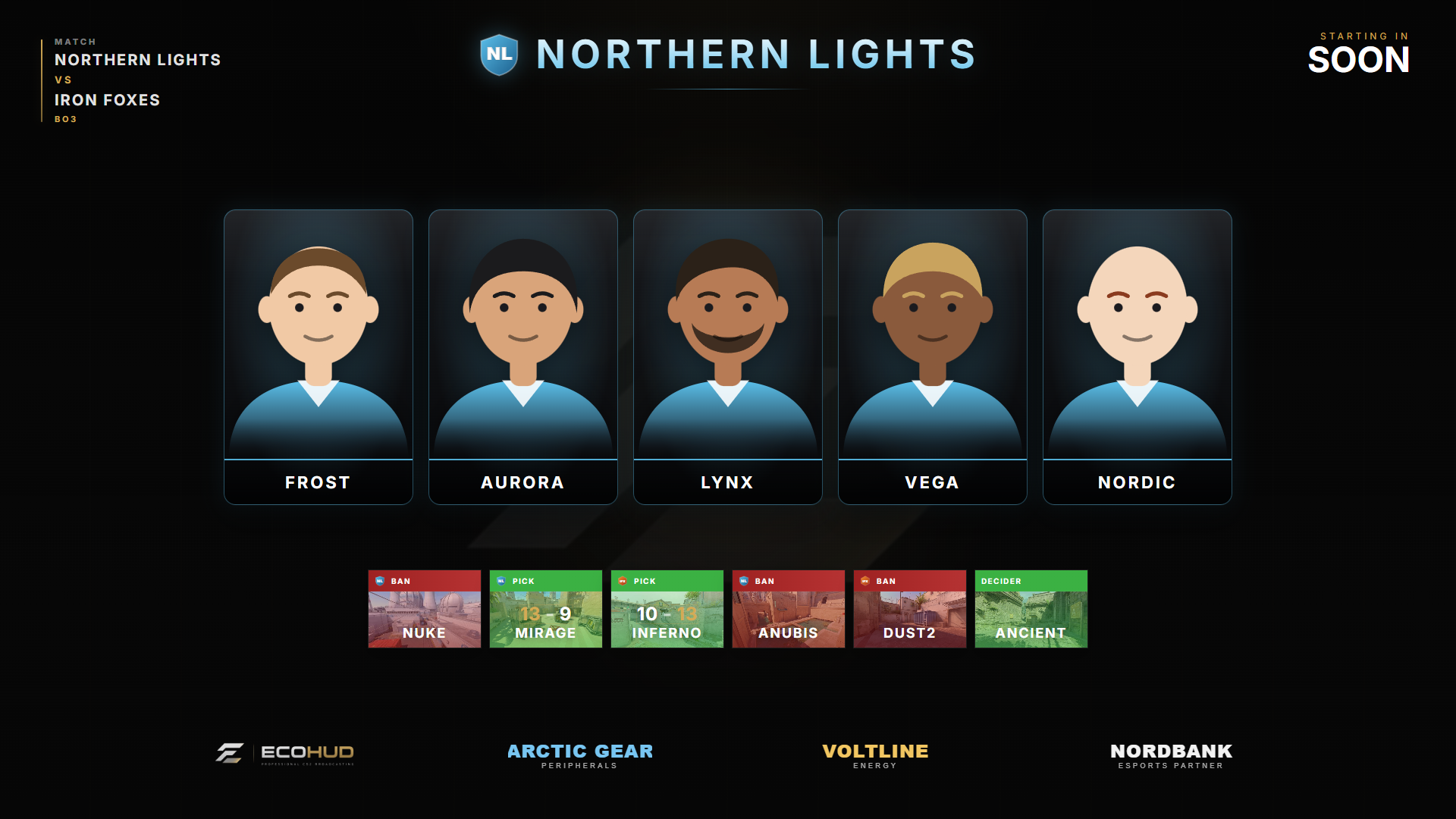
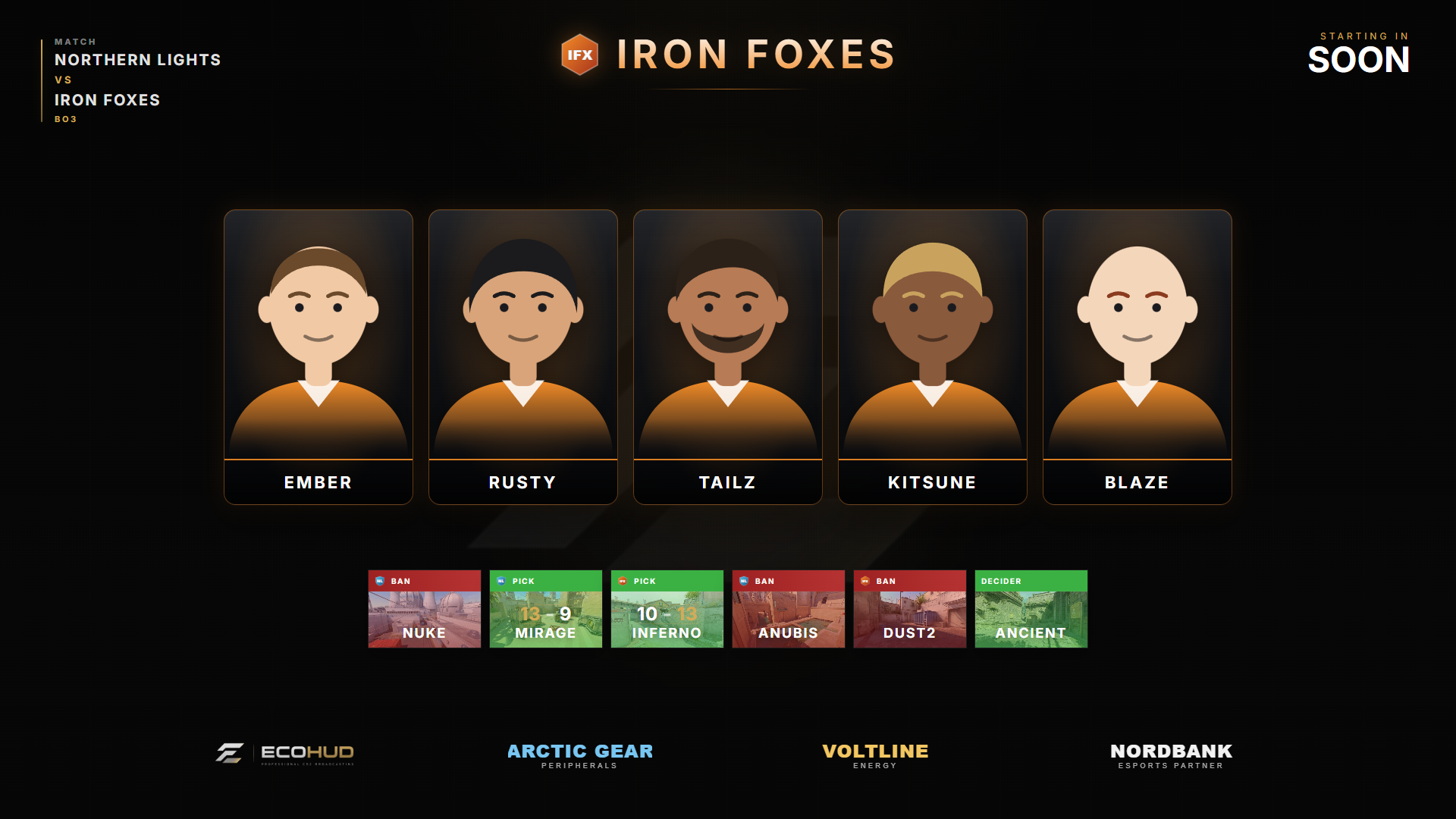
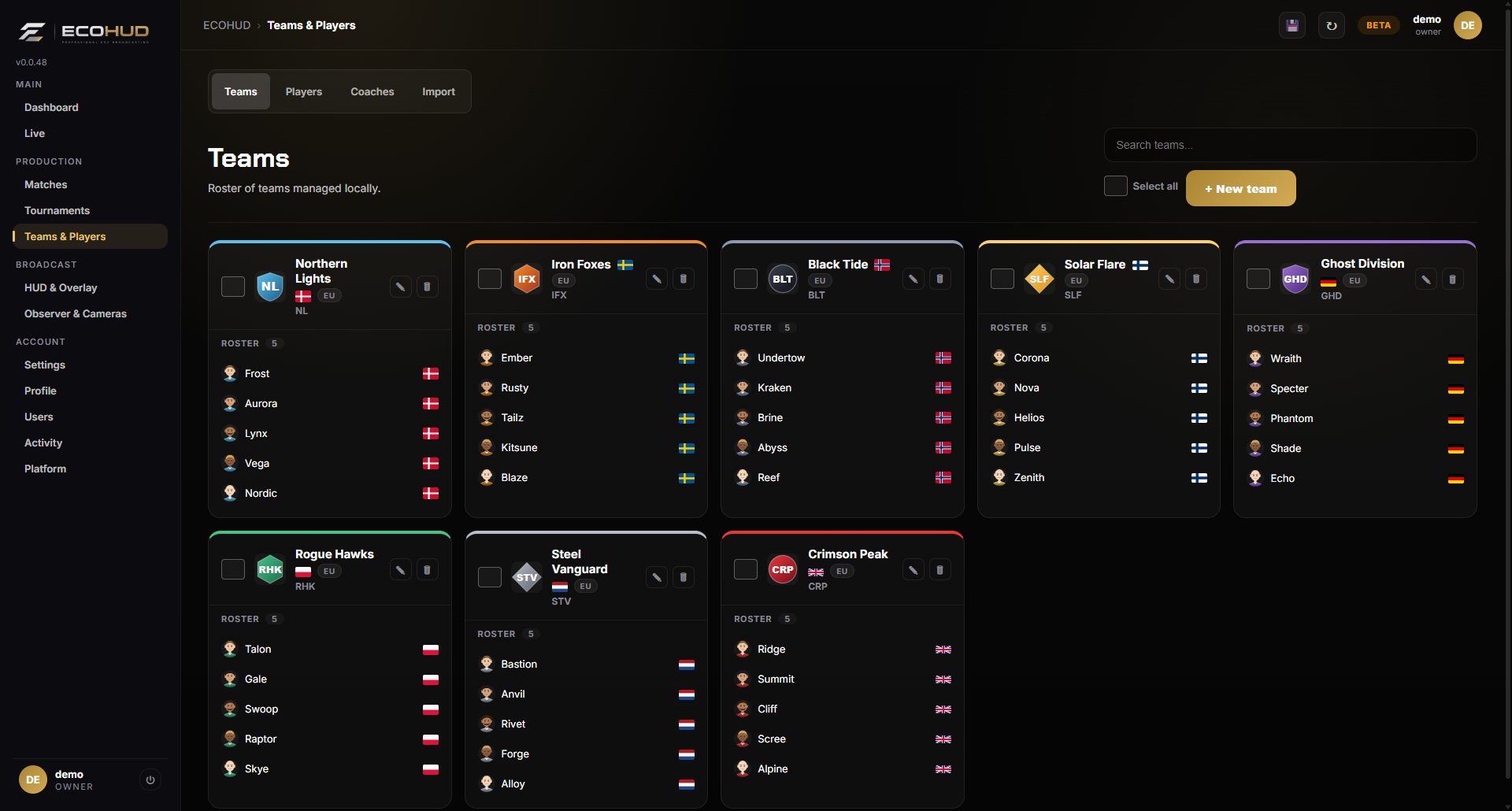
Store logos, tags, colors, countries and rosters. Teams that are not tied to a single country can be tagged with a region such as Europe, Asia or International. Import a team from HLTV or liga.dust2.dk with one link, or a whole Danish division at once, including SteamIDs, real names, photos and coaches. Your teams, players, matches, tournaments, brackets, groups, sponsors and uploaded pictures follow your account, so you can log in on another PC or add operators who see the same setup.
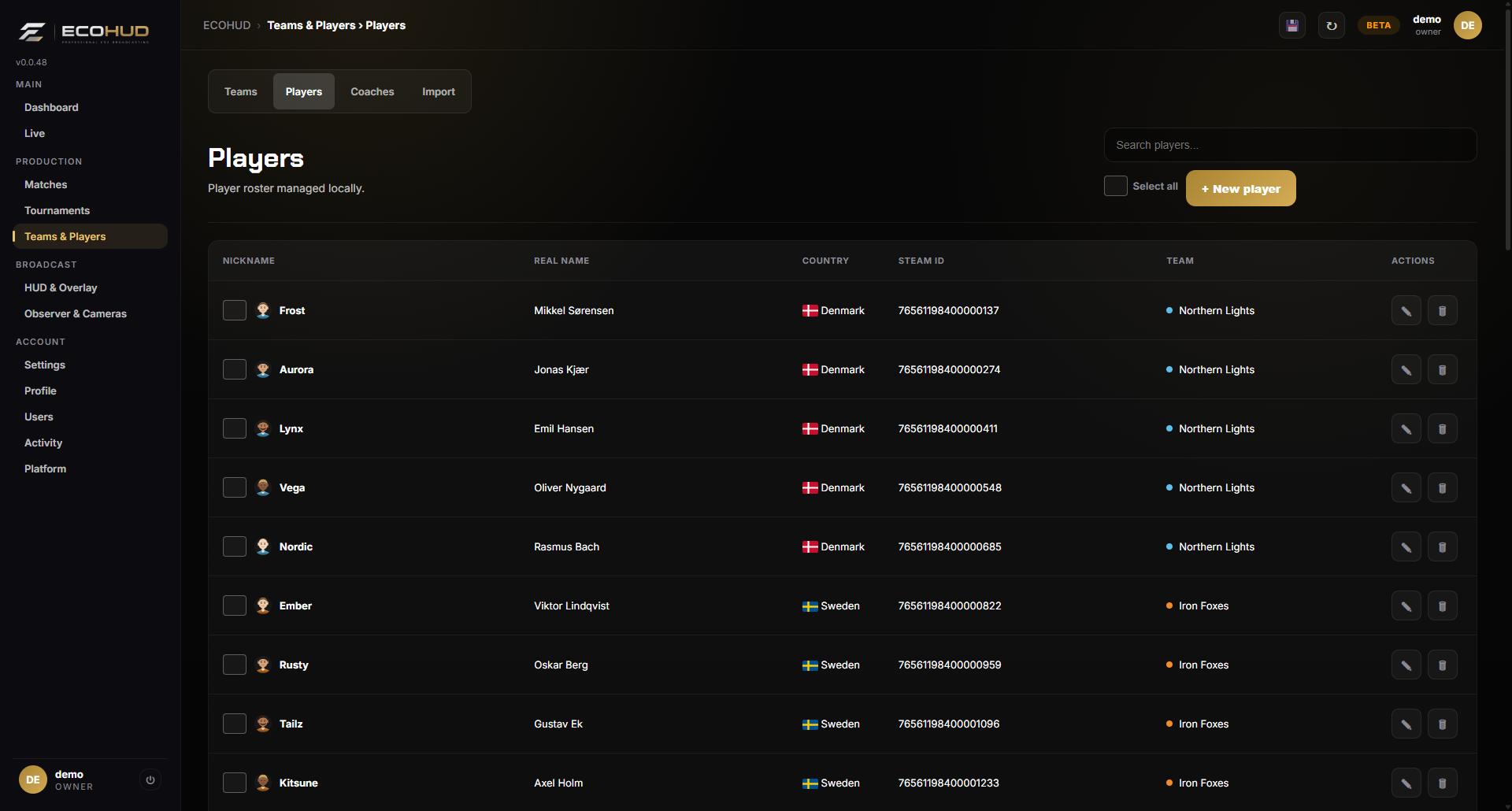
Names, photos, countries and Steam IDs.
Keep the full player database with real names and headshots. Add coaches so they never show up in the player feed. Import many teams and full rosters at once from a YAML file.
Show only what your production needs.
Switch every part of the Bravo HUD on or off from the dashboard — radar, economy, leaderboard, partners, alive counter, bomb and timeout cards and more — and watch it change on air within seconds.
Your data, safe.
ECOHUD makes a backup of your teams, players, matches, tournaments, coaches, groups and brackets once a day and keeps the last seven. Download any of them, or export and import selected parts by hand.
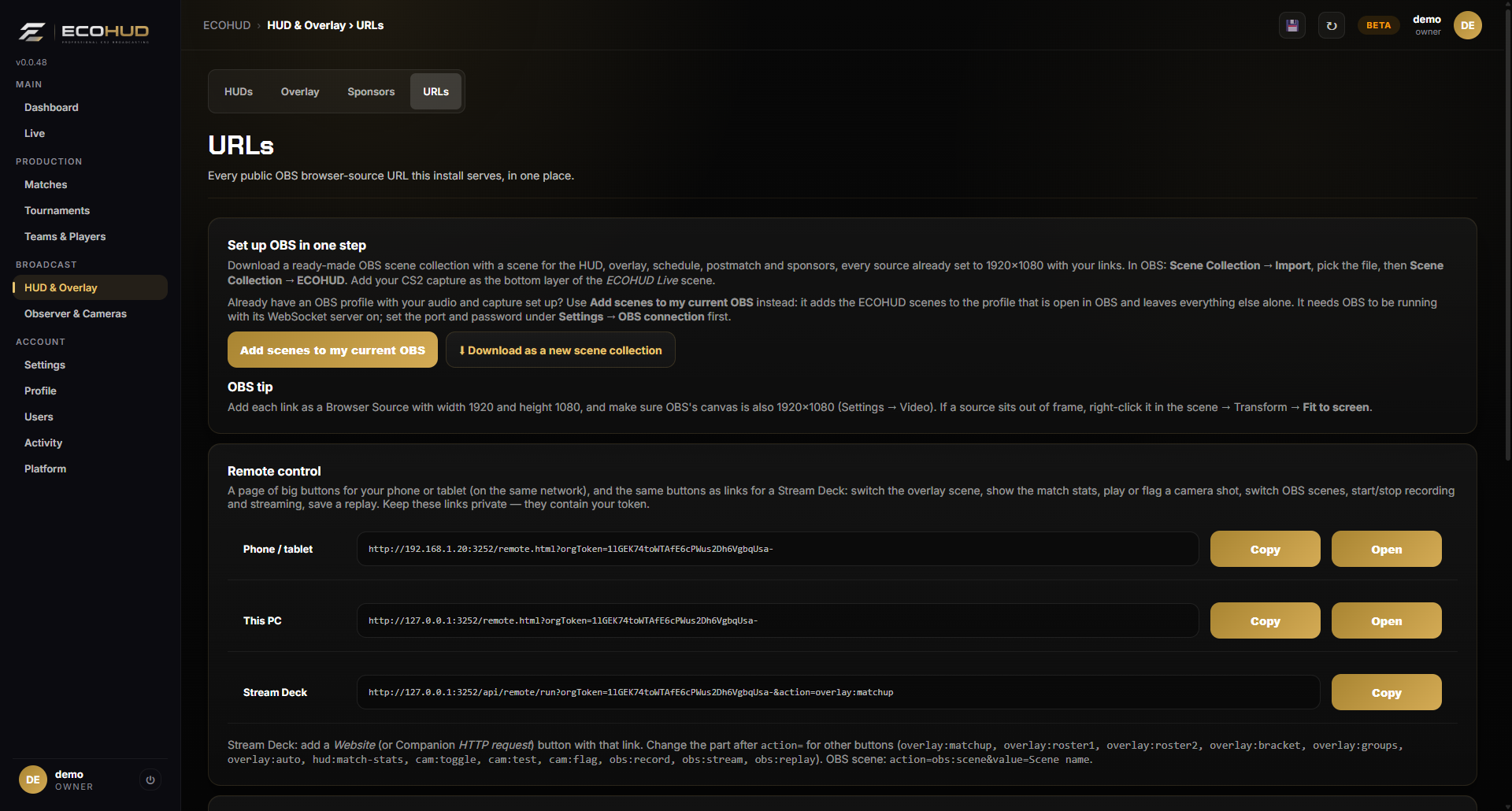
Every browser source in one list.
Overlay, active HUD, in-game widget, schedule, post-match and sponsors — each with a Copy and an Open button. Paste them into OBS and you are done.
See what is missing before you go live.
One page with green, yellow and red lights for CS2, HLAE, the game-state config, live data, the HLAE bridge, teams, a live match, OBS and the camera relay, each with a button to the fix. It updates while you watch.
Install the CS2 side without leaving the app.
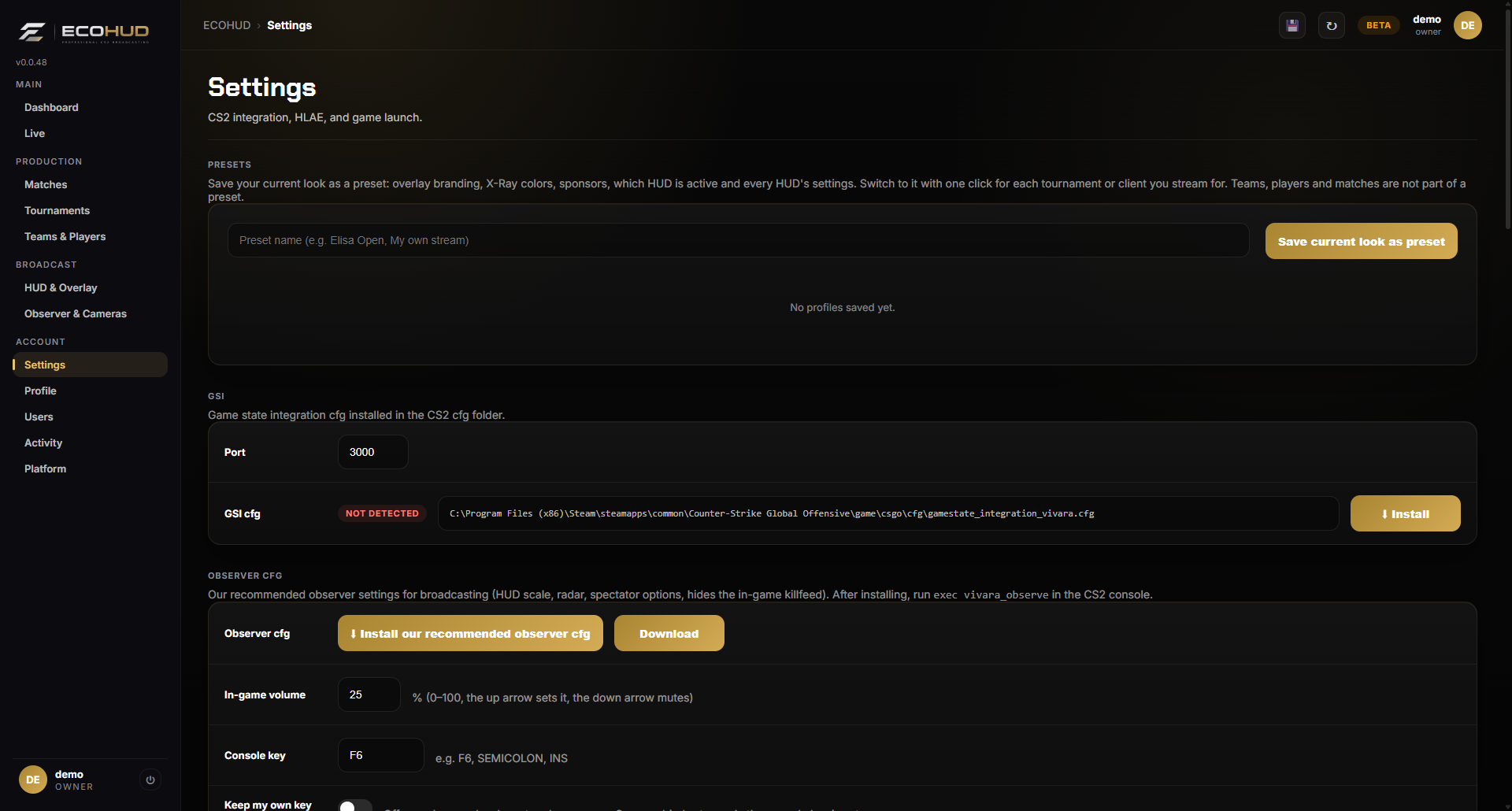
ECOHUD finds Steam, CS2 and HLAE. One click installs the game-state config, the HLAE script bridge and our recommended observer config, and you can launch the game straight from the dashboard.